
Recent Posts
- Discontinued PLC Module? How to Find a Compatible Replacement

- How to Verify the Quality of Alternative Automation Spare Parts
- Industrial Power Supply Sizing: How to Calculate Load and Select the Right Unit
- The Role of Encoders in CNC and Motion Control Systems
- How to Source Hard-to-Find Automation Parts Without OEM Long Lead Times

Related posts
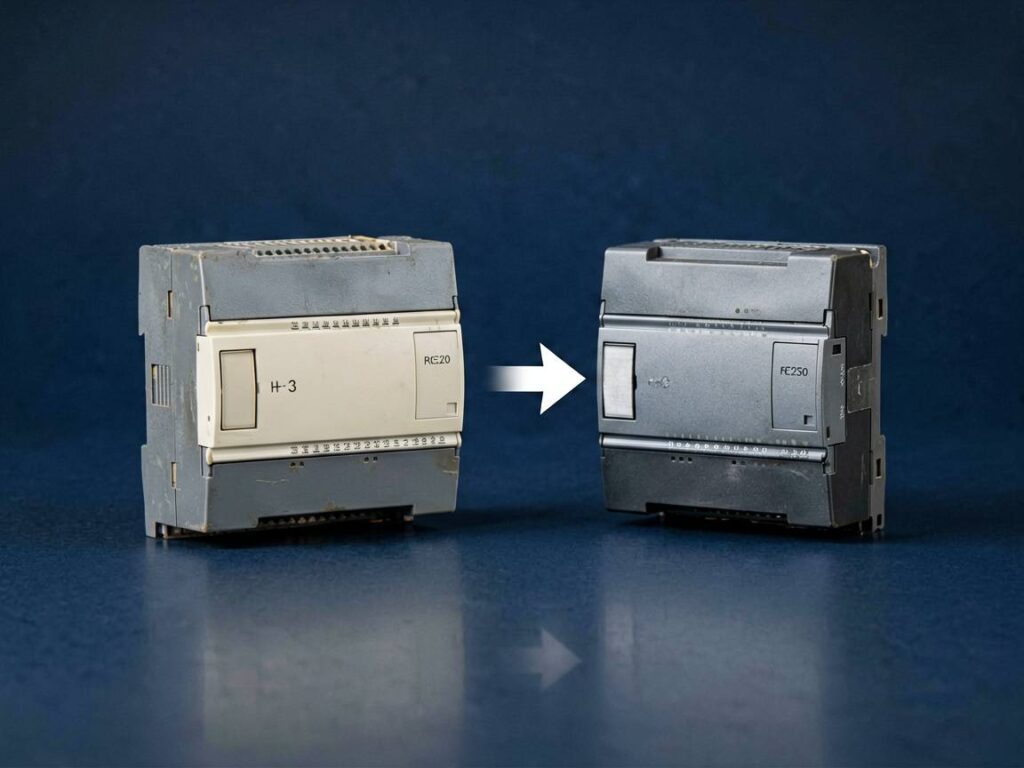
Discontinued PLC Module? How to Find a Compatible Replacement
Discontinued PLC Module? How to Find a Compatible Replacement
Your production line just threw an alarm. The diagnostic screen points to a PLC module that was discontinued by the manufacturer three years ago. Your supplier says "no stock, no EOL date." You are not alone—this scenario plays out da
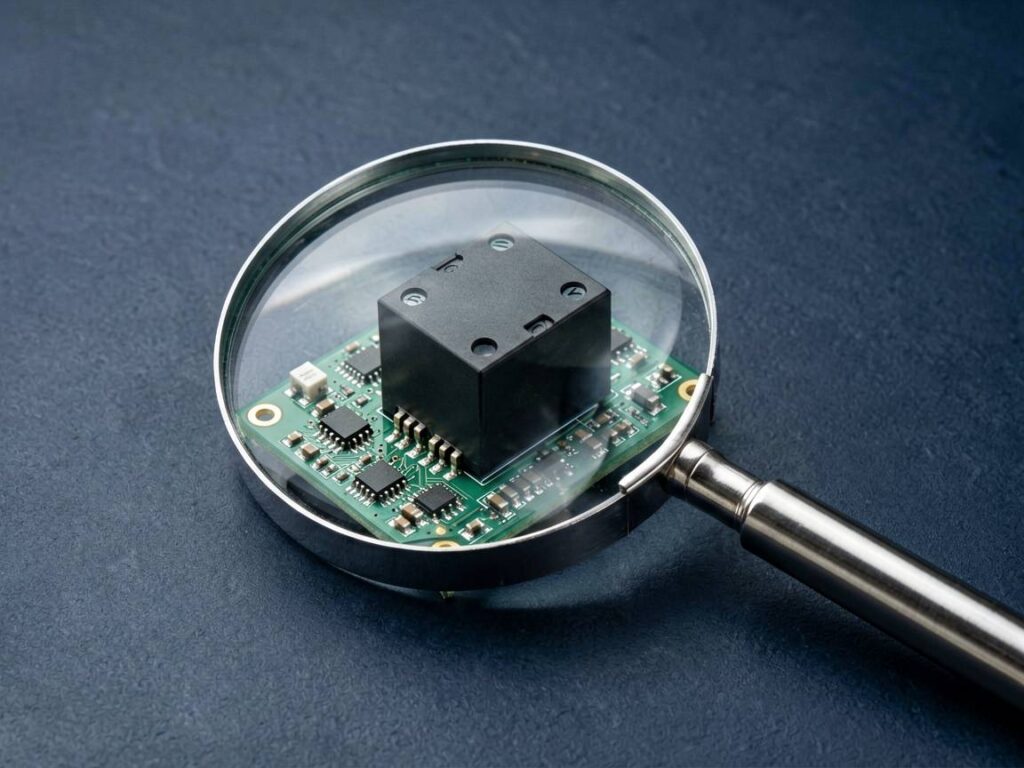
How to Verify the Quality of Alternative Automation Spare Parts
How to Verify the Quality of Alternative Automation Spare Parts
The short answer: you verify quality by auditing the supplier’s traceability, inspecting material certificates, testing form-fit-function against OEM specs, and running a pilot installation under real load conditions. Skipping these
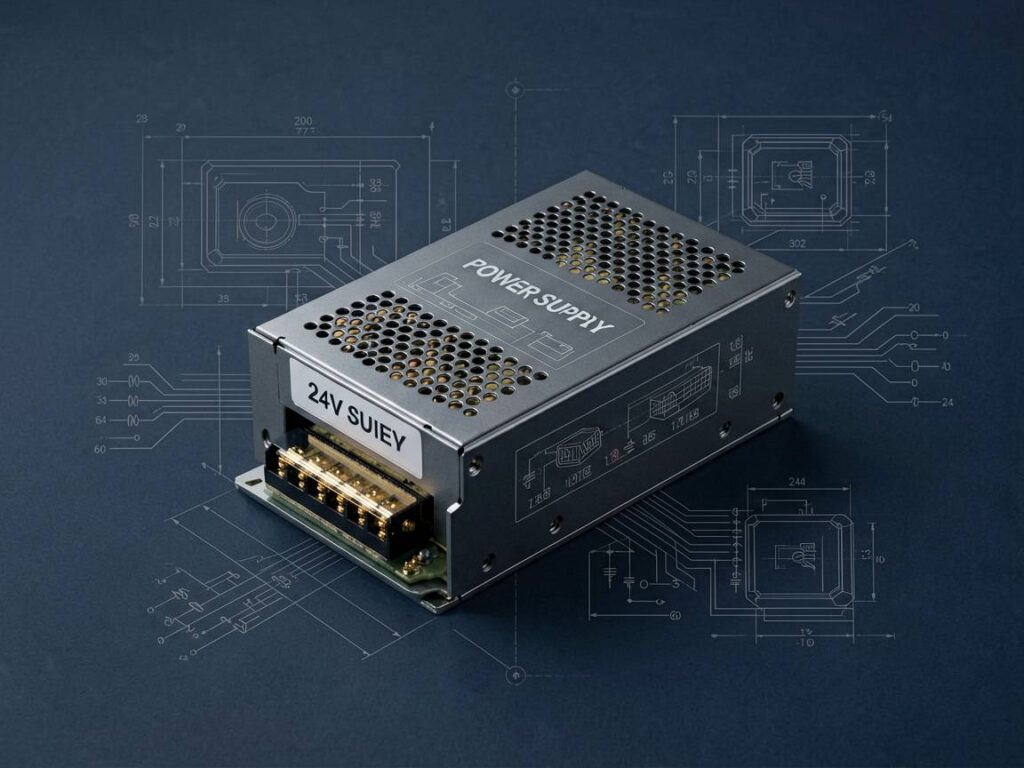
Industrial Power Supply Sizing: How to Calculate Load and Select the Right Unit
Industrial Power Supply Sizing: How to Calculate Load and Select the Right Unit
Selecting the wrong industrial power supply causes downtime, nuisance tripping, and premature equipment failure. The fix is straightforward: calculate your true load demand, apply a safety margin, and match voltage a
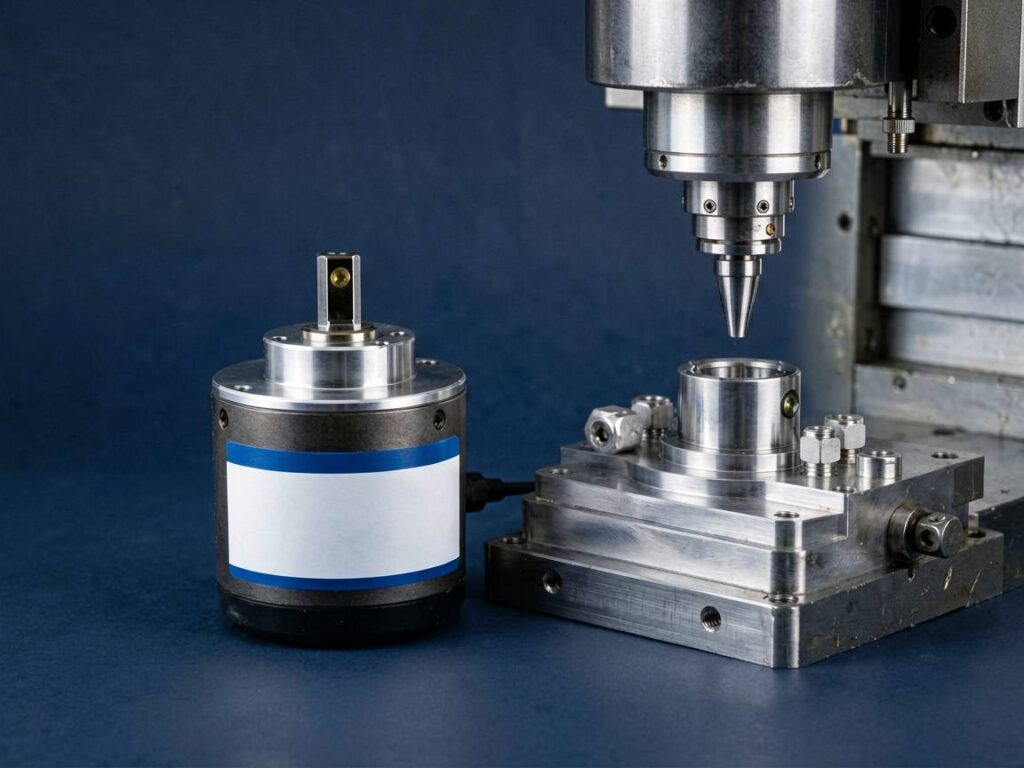
The Role of Encoders in CNC and Motion Control Systems
The Role of Encoders in CNC and Motion Control Systems
Encoders are the unsung heroes of precision manufacturing. Without them, a CNC machine is essentially blind—it can spin a spindle and move an axis, but it cannot confirm position, speed, or direction. In short, an encoder is a feedback devic

How to Source Hard-to-Find Automation Parts Without OEM Long Lead Times
How to Source Hard-to-Find Automation Parts Without OEM Long Lead Times
The short answer: you stop waiting and start sourcing OEM alternative sourcing from a specialist supplier that stocks or can procure hard-to-find automation parts from vetted third-party manufacturers. OEM lead times of 20–4
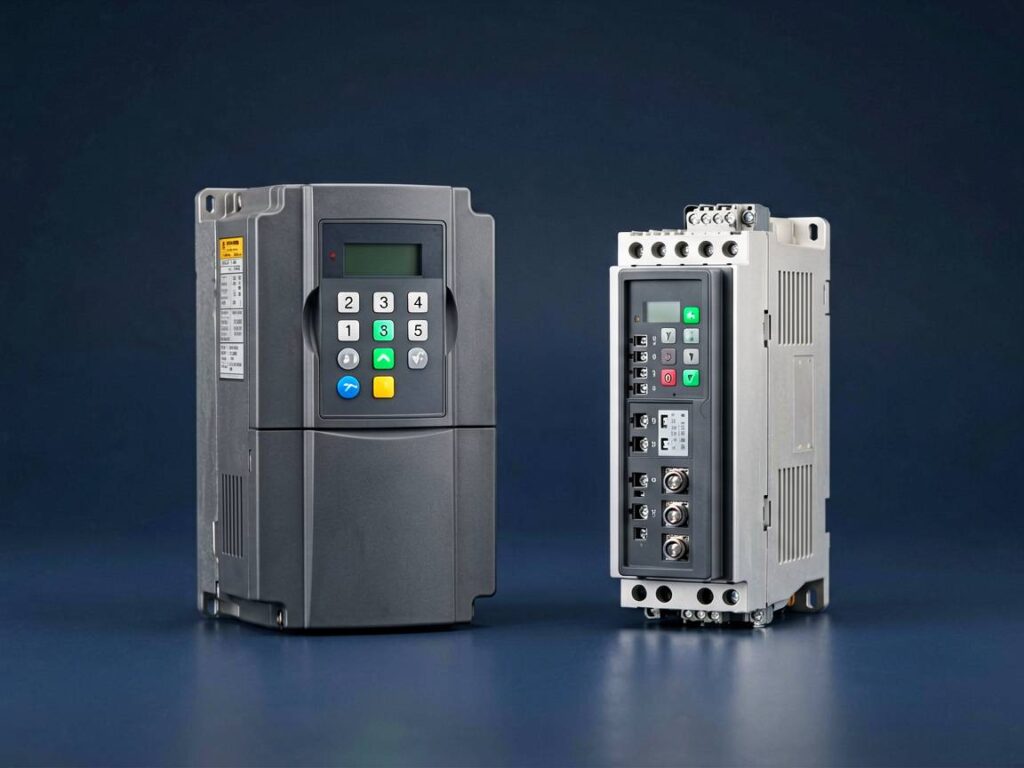
Inverter vs. Servo Drive: When to Use a VFD for Motor Control
Inverter vs. Servo Drive: When to Use a VFD for Motor Control
Choosing between an inverter (Variable Frequency Drive) and a servo drive is one of the most common decisions in industrial automation. The short answer: use a VFD when you need variable speed and torque control for standard AC induct
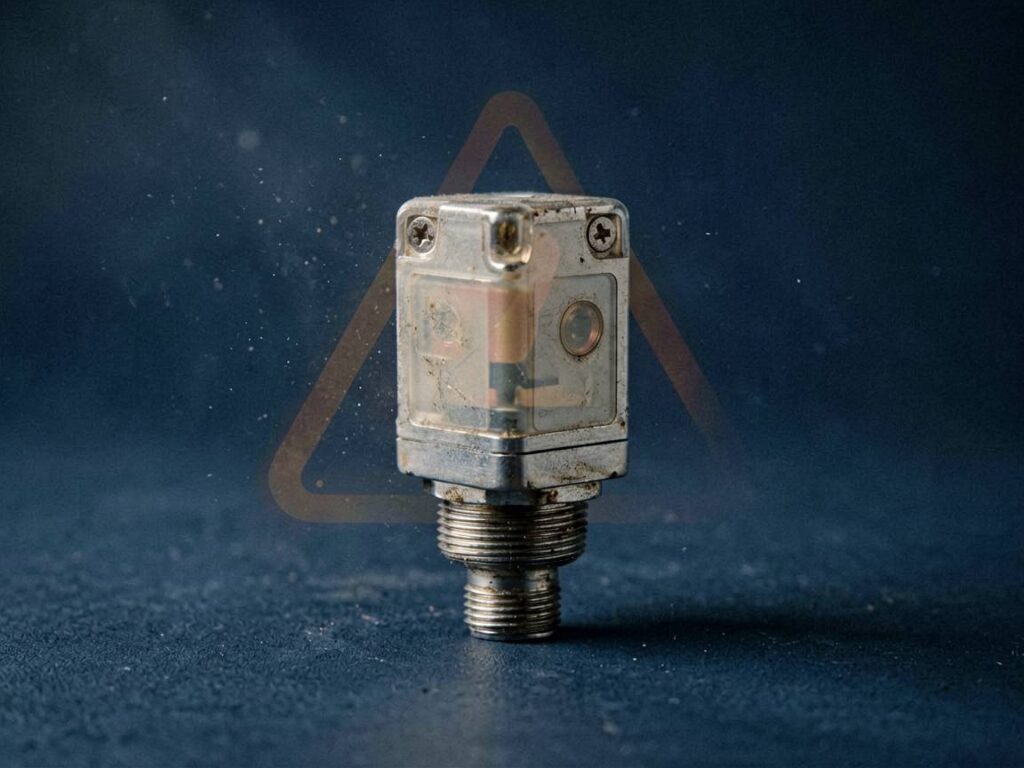
Why Industrial Sensors Fail: Common Causes and Preventive Maintenance
Why Industrial Sensors Fail: Common Causes and Preventive Maintenance
Industrial sensors are the nervous system of modern manufacturing. When they fail, production stops, quality drops, and maintenance teams scramble. The question isn't if a sensor will fail, but when—and more importantly, why.
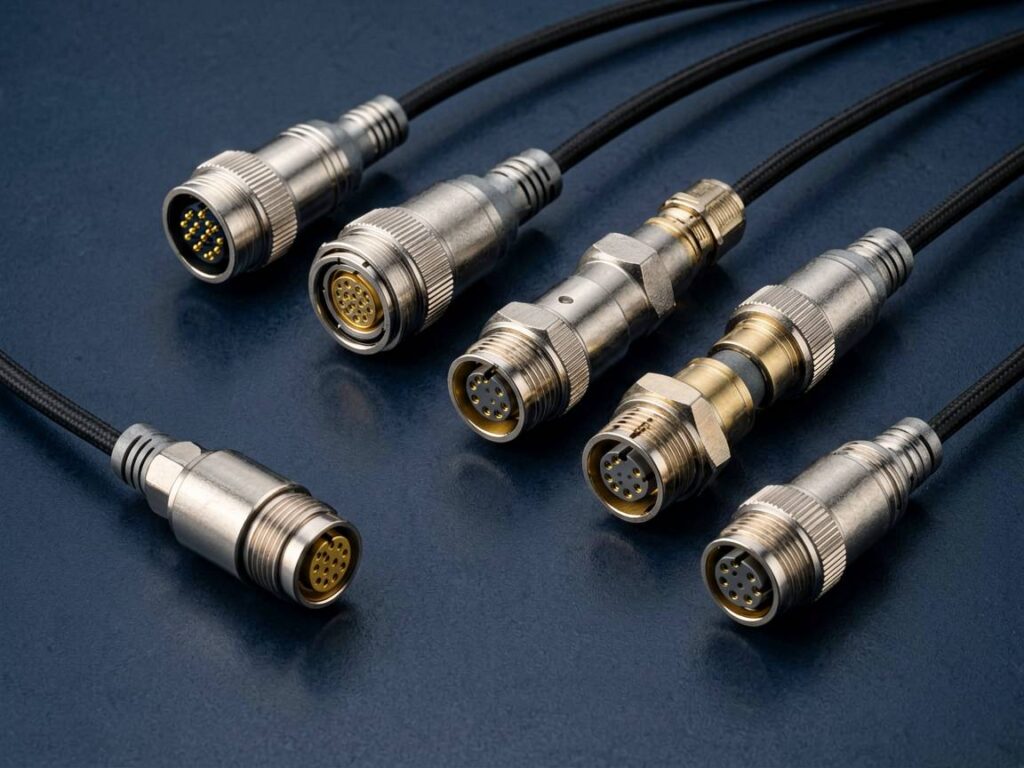
M12 Connector Coding Explained: A-Coded vs D-Coded vs X-Coded
M12 Connector Coding Explained: A-Coded vs D-Coded vs X-Coded
If you work with industrial sensors, actuators, or Ethernet networks, you have likely encountered M12 connectors. The critical specification you must check before purchasing is the M12 connector coding. The coding—A, D, or X—determine
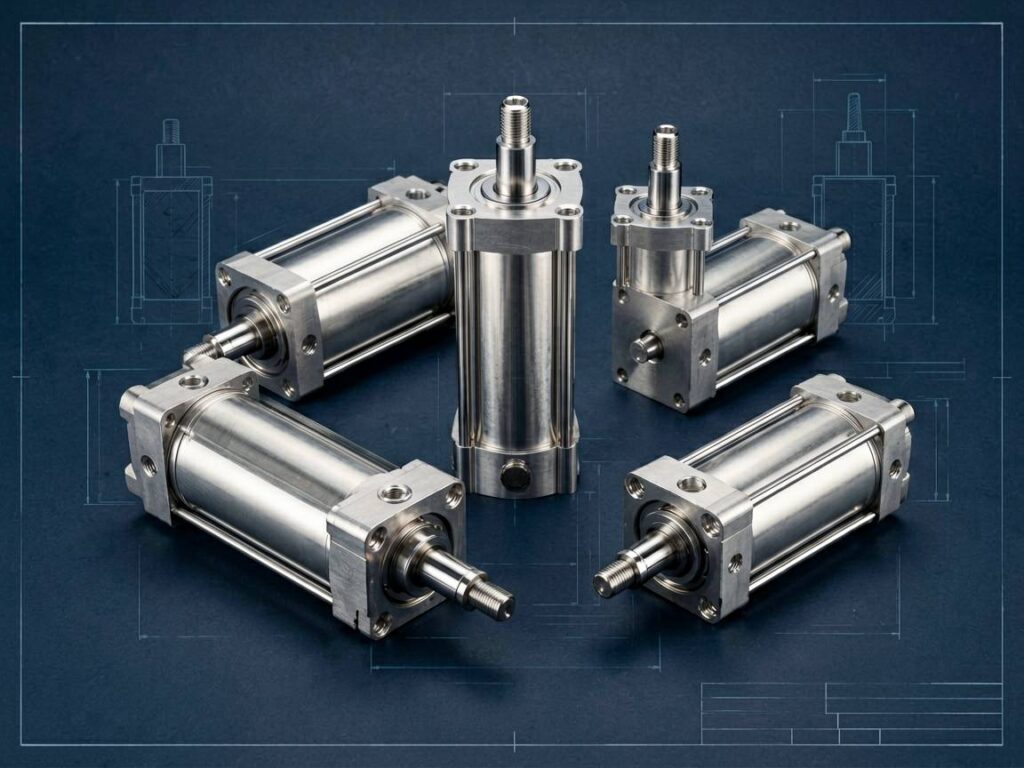
How to Read a Pneumatic Cylinder Model Code (ISO/Non-ISO)
How to Read a Pneumatic Cylinder Model Code (ISO/Non-ISO)
If you've ever stared at a part number like `DNC-63-200-PPV-A-S2` and wondered what it means, you're not alone. The pneumatic cylinder model code is a compact language that encodes bore size, stroke, mounting style, cushioning, and more.
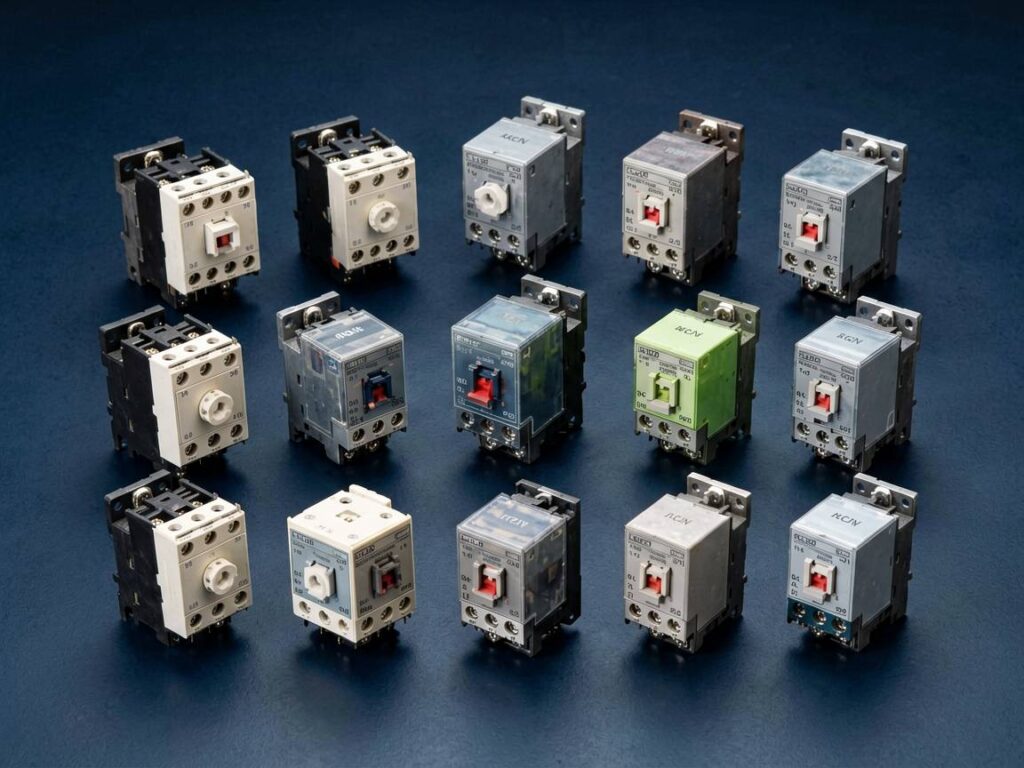
Top 10 Industrial Relay Brands Compared (OMRON, IDEC, Finder & More)
Top 10 Industrial Relay Brands Compared (OMRON, IDEC, Finder & More)
Choosing the right industrial relay is not about picking the cheapest component—it’s about ensuring uptime, safety compliance, and compatibility with your control system. With dozens of manufacturers on the market, procurement
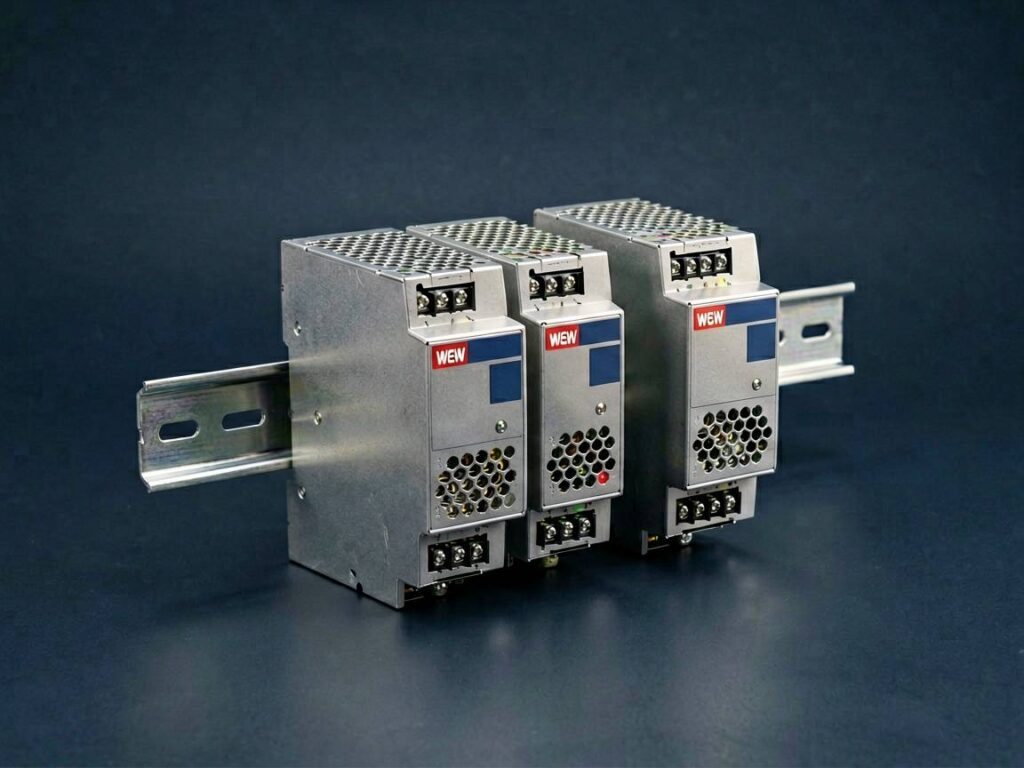
Mean Well LRS vs. NDR Series: Which DIN Rail Power Supply Fits Your Panel?
Mean Well LRS vs. NDR Series: Which DIN Rail Power Supply Fits Your Panel?
When you're building or retrofitting an industrial control panel, the choice between a Mean Well LRS and an NDR series power supply isn't just about specs—it's about application fit. In short: choose the LRS series for co
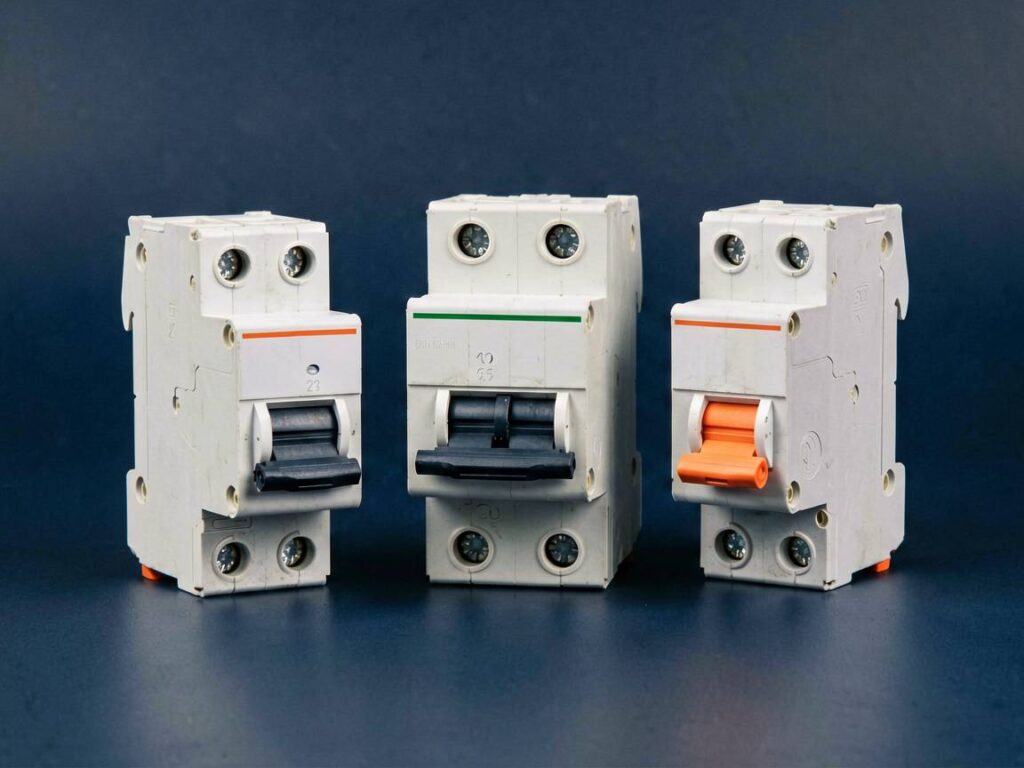
MCB vs. MCCB vs. RCD: Circuit Breaker Selection Guide
MCB vs. MCCB vs. RCD: Circuit Breaker Selection Guide
Choosing the wrong circuit breaker can lead to nuisance tripping, equipment damage, or—worse—electrical fires. The short answer: MCBs protect against overloads and short circuits, MCCBs handle higher currents with adjustable trip settings, an