The Role of Encoders in CNC and Motion Control Systems
Table of Contents
Encoders are the unsung heroes of precision manufacturing. Without them, a CNC machine is essentially blind—it can spin a spindle and move an axis, but it cannot confirm position, speed, or direction. In short, an encoder is a feedback device that converts mechanical motion into electrical signals, and it is the backbone of closed-loop control in virtually every modern CNC and motion control system. This article explains how encoders work, why they matter, and how to choose the right one for your application.
What Is an Encoder and Why Does a CNC Machine Need One?
An encoder in CNC systems serves one primary purpose: to tell the controller exactly where the tool or workpiece is at any given moment. Without this feedback, the controller would only know where it commanded the axis to go, not where it actually went. Mechanical issues such as backlash, thermal expansion, or load variations can cause the actual position to drift from the commanded position.
Encoders solve this by generating pulses or digital signals that correspond to shaft rotation or linear movement. The controller counts these pulses to determine position, speed, and direction. This closed-loop architecture enables:
- High accuracy (repeatability within microns)
- Consistent torque even at low speeds
- Real-time error correction during cutting or motion
- Safe operation (detection of stalls or unexpected movement)
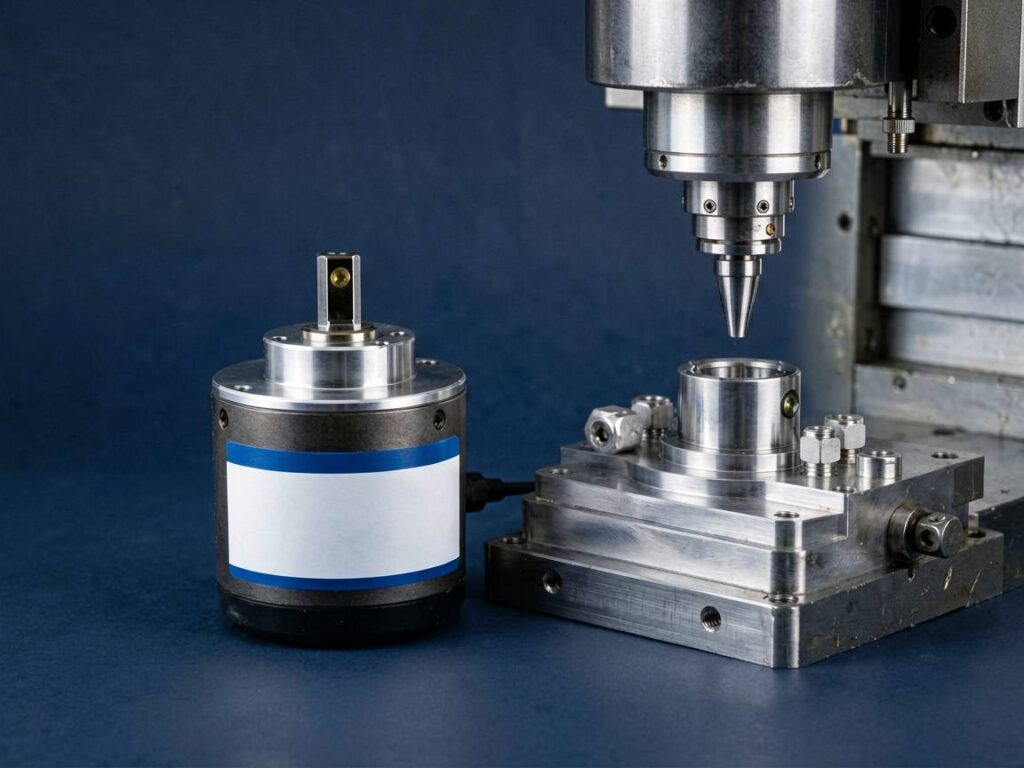
In a typical CNC setup, you will find encoders on the servo motors (motor feedback) and often on the ball screws or linear axes (direct position feedback). Both are critical for achieving the tolerances required in aerospace, medical, and automotive manufacturing.
Rotary Encoder Motion Control: How It Works
A rotary encoder motion control system uses a rotating disc with optical, magnetic, or inductive markings. As the shaft turns, a sensor reads these markings and outputs two square-wave signals (A and B) that are 90 degrees out of phase. This quadrature output allows the controller to determine both the direction of rotation and the angular position.
There are two main types of rotary encoders:
1. Incremental encoders – Output pulses relative to a reference point. They are simple, cost-effective, and ideal for speed control and relative positioning. However, they lose position on power loss unless a home routine is performed.
2. Absolute encoders – Output a unique digital word for every shaft position. They retain position even after power cycles, which is essential for multi-axis machines that must resume operations without re-homing.
For CNC applications, absolute encoders are often preferred on critical axes, while incremental encoders are common on spindle motors and auxiliary axes. The choice depends on the required resolution, safety needs, and budget.
Choosing the Right Encoder for Your CNC or Motion Control System
Selecting an encoder is not a one-size-fits-all decision. The wrong encoder can lead to position drift, vibration, or even catastrophic tool crashes. Here are the key parameters to evaluate:
- Resolution (PPR or bits): Higher resolution means finer positioning. For a CNC axis with a 5 mm pitch ball screw, a 1000 PPR encoder gives 5 microns per count. For high-end machining, you may need 4000+ PPR or a 17-bit absolute encoder.
- Output type: TTL, HTL, open collector, or differential line driver. Ensure compatibility with your CNC controller’s input card.
- Environmental rating: IP65 or higher if the encoder is exposed to coolant, chips, or dust. Sealed optical encoders are common, but magnetic encoders are more robust in harsh environments.
- Mechanical interface: Shaft type (solid, hollow, or through-bore) and mounting flange (clamping, servo, or square). Match the encoder to your motor or axis assembly.
- Electrical interface: Voltage levels (5V, 12V, 24V) and cable length. Long cables may require differential outputs to avoid signal loss.
If you are replacing an encoder on a legacy machine, it is often easier to source a drop-in replacement. For new designs, work with a supplier who can provide technical datasheets and application support. You can browse a range of compatible units in our encoder category to see typical specifications and mounting options.
Common Encoder Failures and How to Avoid Downtime
Encoders are precision components, but they are not immune to failure. The most frequent issues in CNC environments include:
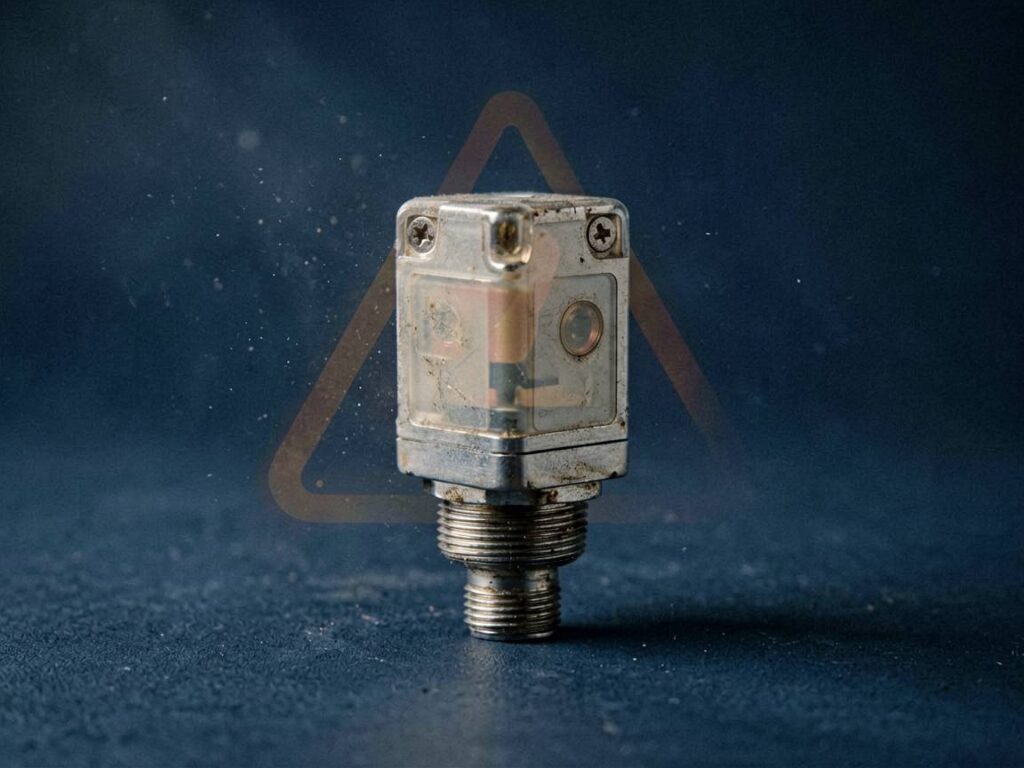
- Contamination – Oil, coolant, or metal dust entering the encoder housing and blocking the optical disc or magnetic sensor.
- Cable damage – Flexing at the motor connection point causes broken wires or intermittent signals.
- Bearing wear – On hollow-shaft encoders, worn bearings introduce eccentricity and signal jitter.
- Electrical noise – Poor shielding or improper grounding leads to false pulses, which translate into position errors.
Preventive maintenance is straightforward: inspect cables for abrasion, verify that seals are intact, and check signal quality with an oscilloscope during routine service. Keep a spare encoder on hand for critical machines. A single unplanned stoppage on a production line can cost far more than the price of a spare unit.
When a failure does occur, replacing the encoder quickly is the priority. Having access to a reliable supplier of industrial automation spare parts is essential. At Canuri, we stock a wide range of encoders from leading brands, and we can help you identify the correct model based on your machine’s make and model.
Integrating Encoders with Modern CNC Controllers
Modern CNC controllers, such as Siemens, Fanuc, Mitsubishi, and Heidenhain, all support encoder feedback—but they are not all created equal. The controller must be configured for the correct encoder type, resolution, and signal level. Many controllers also support dual-loop feedback, where a motor-mounted encoder provides velocity control and a linear scale provides position feedback directly on the axis.
When integrating a new encoder, pay attention to:
- Commutation signals (for brushless DC motors) – Hall sensors or sinusoidal commutation tracks are required for proper motor phase alignment.
- Reference marks – For incremental encoders, a zero pulse (index) is needed for homing. Some encoders offer multiple reference marks for absolute homing.
- Scaling factors – The controller must be set to the correct counts per revolution to display accurate axis positions.
- Diagnostics – Use the controller’s built-in monitoring to verify signal amplitude, frequency, and error counts after installation.
If you are retrofitting an older machine, the interface may require a signal converter or a dedicated interface card. This is where a knowledgeable parts supplier can save you hours of engineering time. Canuri can provide cross-reference guidance and ensure you receive an encoder that matches your controller’s input requirements.
Conclusion
Encoders are not optional accessories; they are the sensory organs of any CNC or motion control system. From ensuring micron-level positioning to enabling safe high-speed machining, their role is fundamental. Whether you are designing a new machine or maintaining an existing one, understanding encoder types, specifications, and failure modes will help you avoid costly downtime.
If you need a replacement encoder, a spare for your inventory, or assistance selecting the right feedback device, contact Canuri for a quotation. We supply high-quality industrial automation spare parts and can help you find the exact encoder for your application. Visit our encoder selection or reach out to our team with your part number—we are ready to keep your machines running.
—
FAQ
#### What is the difference between an incremental and an absolute encoder in CNC?
An incremental encoder outputs pulses relative to a starting point, so the controller must count pulses to determine position. It loses position on power-off and requires a homing cycle. An absolute encoder outputs a unique code for each shaft position, so it knows its exact position immediately after power-up without moving. For CNC axes that must resume work without re-homing, absolute encoders are preferred.
#### How do I know if my encoder is failing?
Common signs include position drift, sudden axis stalls, machine vibration at constant speed, or error alarms on the controller (e.g., “position deviation too large”). You can also measure the encoder signals with an oscilloscope—missing pulses, low amplitude, or excessive noise indicate a problem. Physical inspection may reveal contamination, broken wires, or a loose coupling.
#### Can I replace a rotary encoder with a linear encoder on my CNC machine?
Yes, but it is not a simple swap. A linear encoder measures the actual table position directly, eliminating errors from ball screw backlash and thermal growth. However, you will need to change the feedback configuration in the CNC controller, possibly add a second feedback input, and ensure the linear encoder’s resolution and output match your control system. This upgrade is common for high-precision machining.
#### What encoder resolution do I need for my application?
The required resolution depends on your smallest desired movement and the mechanical reduction. A good rule of thumb: the encoder resolution should provide at least 5–10 counts per smallest positioning increment. For a typical CNC axis with a 5 mm pitch screw and 1 micron resolution, you need at least 5000 counts per revolution (or a 13-bit absolute encoder). For high-speed spindles, lower resolution is often acceptable.
#### How long do encoders last in a CNC environment?
With proper sealing and clean power, optical encoders can last 5–10 years or more. Magnetic encoders are more tolerant to contamination and can last even longer. The most common failure point is the cable, not the encoder itself. Regular inspection and replacement of worn cables will extend the life of the encoder. Always keep a spare unit for critical machines to minimize downtime.
Recent Posts
- Discontinued PLC Module? How to Find a Compatible Replacementby Jodie Liu
- How to Verify the Quality of Alternative Automation Spare Partsby Jodie Liu
- Industrial Power Supply Sizing: How to Calculate Load and Select the Right Unitby Jodie Liu
- The Role of Encoders in CNC and Motion Control Systemsby Jodie Liu
- How to Source Hard-to-Find Automation Parts Without OEM Long Lead Timesby Jodie Liu